
Line25 is reader supported. At no cost to you a commission from sponsors may be earned when a purchase is made via links on the site. Learn more
Our recent roundup of HTML and CSS editing apps for Mac users proved to be really popular, but the Windows-based designers were feeling a little left out. This week’s roundup pulls together the most popular editing application choices for PC users.
These HTML & CSS editing apps for Windows users will help designers build standards-compliant websites with the help of powerful tools features such as live preview, validation, live editing, HTL5 support, drag and drop systems, FTP editing, troubleshooting, browser support, auto-completion features, and more.
Choose your favorite editing app from the list below.
TopStyle
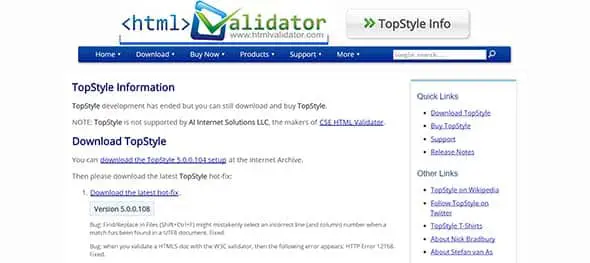
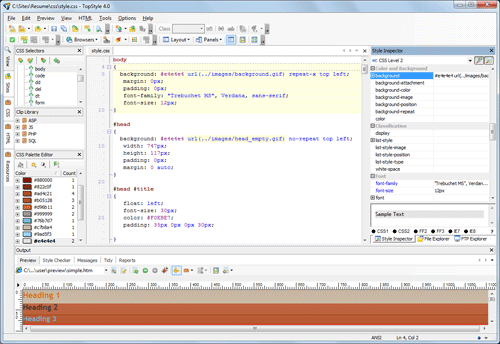
TopStyle for Windows contains powerful tools for building standards-compliant web sites. It includes useful features such as live preview, built in validation, live editing, and HTML5 support.
Screenshot
Notepad2 (FREE)
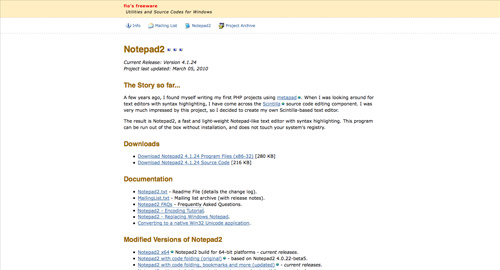
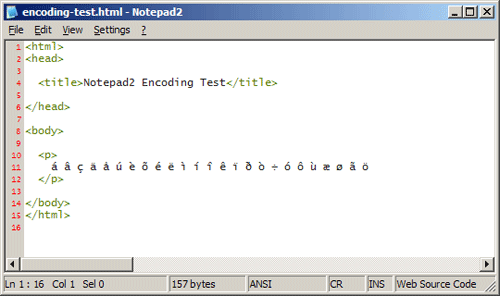
Notepad2 is one of the most popular utilities for Windows users. It’s a fast, lightweight and simple application. Notepad2 doesn’t include fancy features of more robust editing apps, but if it’s just a program to manually write your code that you’re after, Notepad2 may be for you. This tool can be run out of the box without installation and does modify your system’s registry.
Screenshot
Stylizer
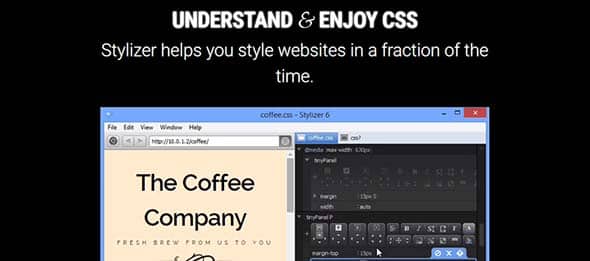
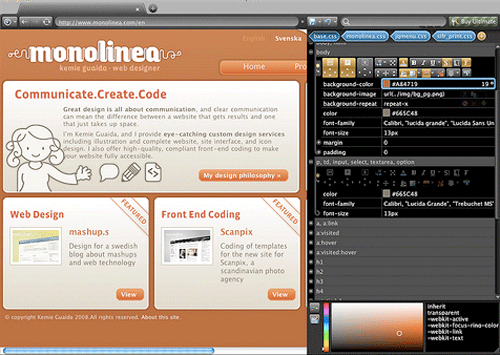
Stylizer is a web page building app with a range of unique features such as drop-and-drop functionality and ‘Bullseye’ on-page editing. Stylizer is described as a great tool to help designers learning the basics of CSS to learn better through its real time visual tool that lets you see how the pieces fit together. It comes with a live preview function, which means that your style sheets open automatically and your changes appear instantly. It also lets you switch between major browsers using side-by-side preview panes. This helps you construct responsive website designs easily.
Screenshot
Brackets
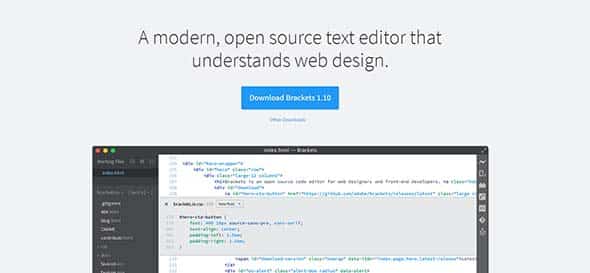
Brackets is a lightweight modern editor focused on visual tools. It’s was specially made for web designers and front-end developer that makes it much more easier to design directly in your browser. This modern text editor is an open-source project with great features, such as live preview, preprocessor support, inline editors, and more. With Brackets you can use Quick Edit and Live Highlight with your LESS and SCSS files.
Style Master
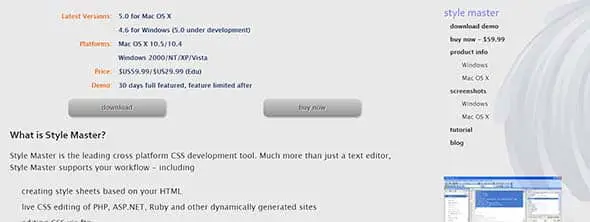
Style Master is a CSS editing app that’s available for both Windows and Mac users. It features live editing of websites vis FTP, has both design & code views and built in browser support for easy troubleshooting. Among this tool’s best features are creating style sheets based on your HTML, live CSS editing of PHP, ASP.NET, Ruby and other dynamically generated sites and editing CSS via ftp.
Screenshot
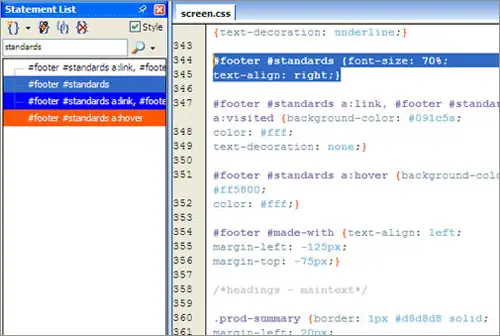
PSPad (FREE)
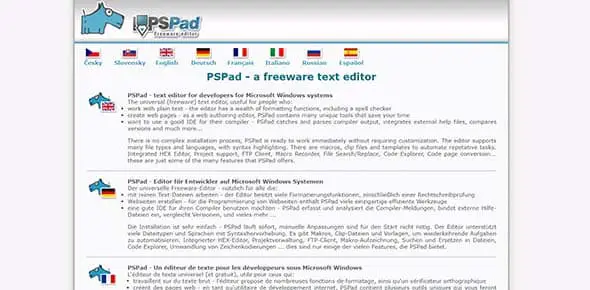
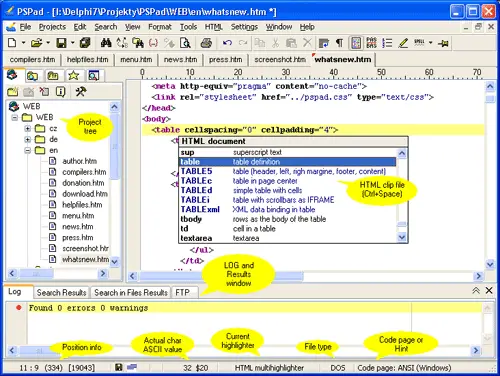
PSPad is a freeware editor with support for a number of file types and languages. Features such as syntax highlighting, macros, clips and templates make it a complete application for the designer confident with their coding skills. This tool helps you create web pages and supports many file types and languages, with syntax highlighting. It has an integrated HEX Editor, FTP Client, Macro Recorder, File Search/Replace, Code Explorer, and other great features.
Screenshot
Rapid CSS
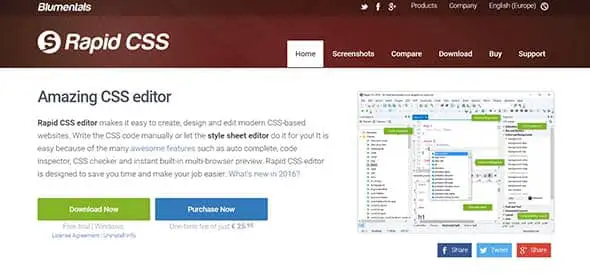
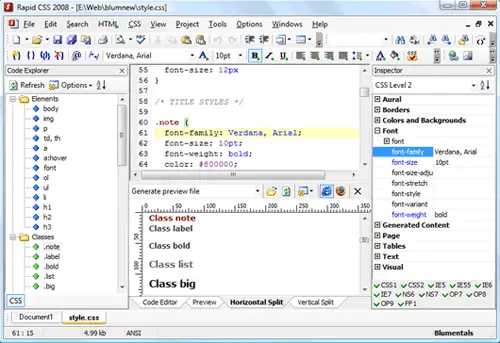
Rapid CSS features both manual editing capabilities and the option of having a stylesheet automatically created. Other features such as auto-completion, code inspection and validation make it a good competitor. This comes with CSS checker and instant built-in multi-browser preview. It also loads much faster than any other CSS editors, supports HTML, CSS, LESS, SASS, JavaScript, PHP, XML, ASP, Perl and more, lets you edit directly on your web server or publish local development copy updates with a single click and even has a built-in multi-browser preview.
Screenshot
Responsive Site Designer

RSD has a lot of new features that can come in really handy, such as a width slider, custom breakpoints and also comes with a large library of pre-built items and symbols.
EngInSite CSS Editor
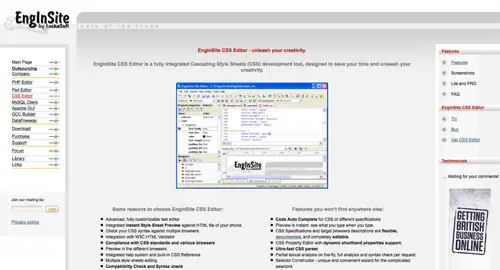
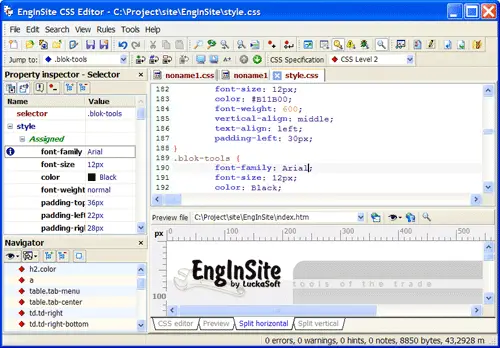
The EngInSite CSS Editor is a complete CSS editing application with all the features you could wish for. Live preview and validation, visual editing, wizards and auto-completion features make it a great app for both beginners and veterans.
Screenshot
Komodo Edit
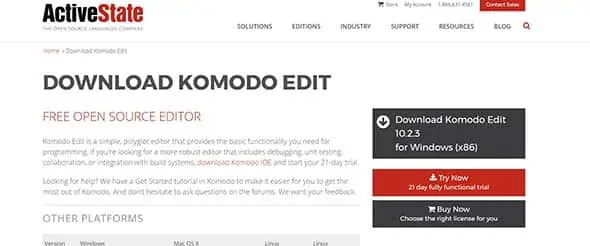
Komodo Edit can be used for editing HTML, XML, and other text files and comes with a lot of features. You can also add some extensions available for languages and special characters.
Dreamweaver
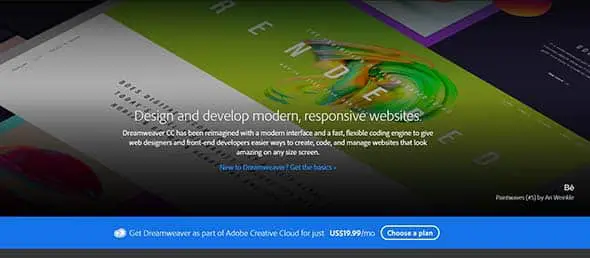
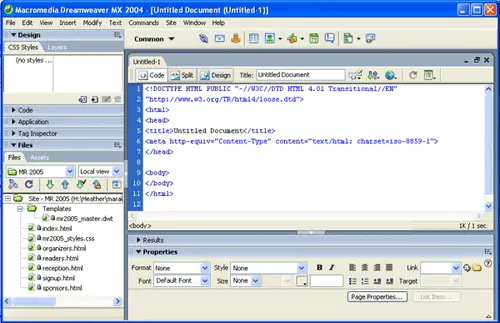
Dreamweaver is one of the most well-known page building apps. It includes a range of unique features and is a robust app allowing websites to be built via the Design or Code views. If you already have access to Dreamweaver as part of the Adobe Creative Suite, it definitely has every tool you’ll ever need, as well as some you probably never will need!
Screenshot
Notepad++
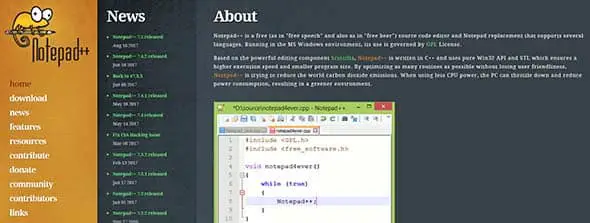
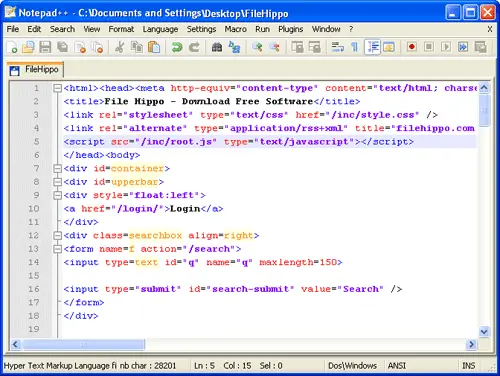
Notepad++ is another free lightweight application for Windows and is a popular choice for veteran programmers who only need a basic app to manually write their code. It has quite a few useful features such as ability to bulk edit files, syntax highlighting and much more.
Screenshot
Comments are closed.